Behind your icons, under every window
On Windows it sits in the desktop layer behind the icons. On macOS it’s a desktop window under everything else. Clicking the desktop still works the way it always has.
Auralis turns any video file into your wallpaper on Windows and macOS. It plays under your icons and windows, steps aside for games and battery, and keeps itself up to date.
Recorded on Windows 11 with Auralis 1.0: choose a video, set it, and hide the Studio. The wallpaper keeps playing behind the icons.
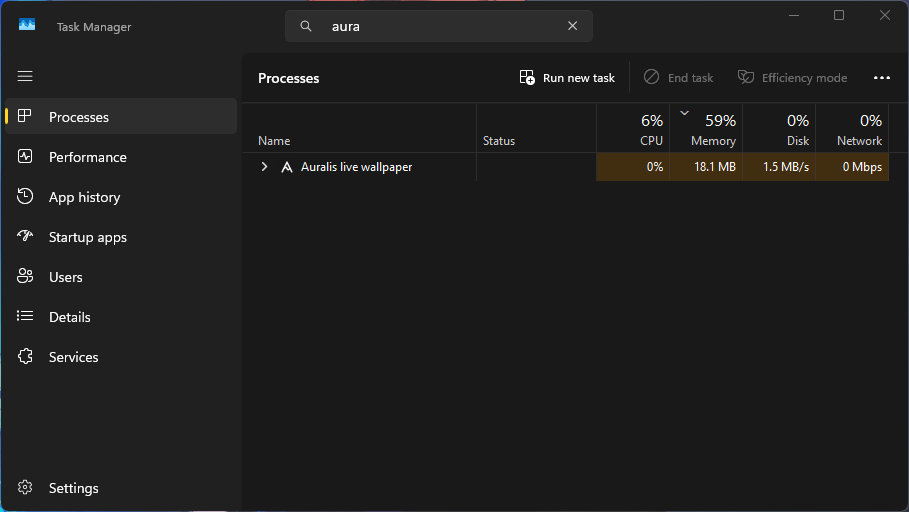
Auralis is built in Rust around the video engine your computer already has, so it looks right and gets out of the way.
On Windows it sits in the desktop layer behind the icons. On macOS it’s a desktop window under everything else. Clicking the desktop still works the way it always has.
Auralis uses Media Foundation on Windows and AVFoundation on macOS: the same playback the OS uses itself, with hardware decoding where your machine has it. MP4, MOV, M4V, MKV and WebM files are accepted.
Pick a video per monitor, or one for all of them. Plug a display in or take one away and Auralis rebuilds the wallpaper for the new layout.
A game or film goes full screen, your laptop unplugs, or the computer sleeps: playback pauses and picks up again afterwards. Each rule is a switch you control.
Once a day Auralis looks for a newer build, checks the download against its published checksum, installs it and comes straight back with your wallpaper. Prefer to update by hand? Turn it off in the menu.
Fill the screen or letterbox to fit, change speed from 0.25× to 2×, loop, mute or set the volume, and flick through your ten most recent videos from the tray or menu bar.
macOS only allows still pictures on the lock screen, so Auralis can set a frame from your video as the desktop picture. Turn it off and your original picture comes back exactly as it was.
If a new video fails to load, the one you had keeps playing. Close the Studio and the wallpaper carries on. Quit, and your normal desktop comes back.
A wallpaper should never be the thing you have to manage. This is what Auralis does on its own.
| When | Auralis |
|---|---|
| You close the Studio window | Keeps playing. Controls live in the tray on Windows and the menu bar on macOS. |
| A game or video goes full screen | Pauses until the desktop is visible again. |
| Your laptop switches to battery | Pauses, so the wallpaper doesn’t drain it. |
| The computer sleeps and wakes | Pauses before sleep and picks up where it left off. |
| A new build is published | Updates itself within a day and comes back with the same wallpaper. |
| You sign in | Starts in the background if you turned on start at login. |
You need Windows 10 or 11 (x64), or macOS 13 or later on Apple silicon or Intel.
Open …-windows-x86_64-setup.exe. It installs for your account only, so no administrator rights are needed.
Builds aren’t code-signed yet. If Windows says it protected your PC, choose More info, then Run anyway.
Drop a video onto Auralis Studio and choose Set as wallpaper. Uninstall any time from Settings, Apps.
Open …-macos-universal.dmg and drag Auralis into Applications.
Builds aren’t notarized yet. Control-click Auralis in Applications and choose Open. You only need to do this once.
Auralis lives in the menu bar. Choose Open Auralis Studio, add a video, and choose Set as wallpaper.
Auralis 1.0 is out. Found something odd? Open an issue with your system version and what you saw.
Each download has a SHA-256 checksum next to it. Older builds stay on GitHub.
| File | For | Size | Checksum |
|---|---|---|---|
| Loading the file list from GitHub… | |||
Free, open source under MIT or Apache 2.0, and made for Windows and macOS.